*Important Note : Fees are subject to Singapore's prevailing Goods and Services Tax (GST).
1752451200000
60

Cloud & Infrastructure
Cybersecurity & Risk Management
Artificial Intelligence & Automation
Data Analytics & Data Science
Digital Skills & Office Productivity
Project Management & Agile
Software Development & IT Ops
Critical Core Skills
Maritime
Cloud & Infrastructure
Cybersecurity & Risk Management
Artificial Intelligence & Automation
Data Analytics & Data Science
Digital Skills & Office Productivity
Project Management & Agile
Software Development & IT Ops
Critical Core Skills
Maritime
 Virtualisation
Enrol now and save $0 on your course fee
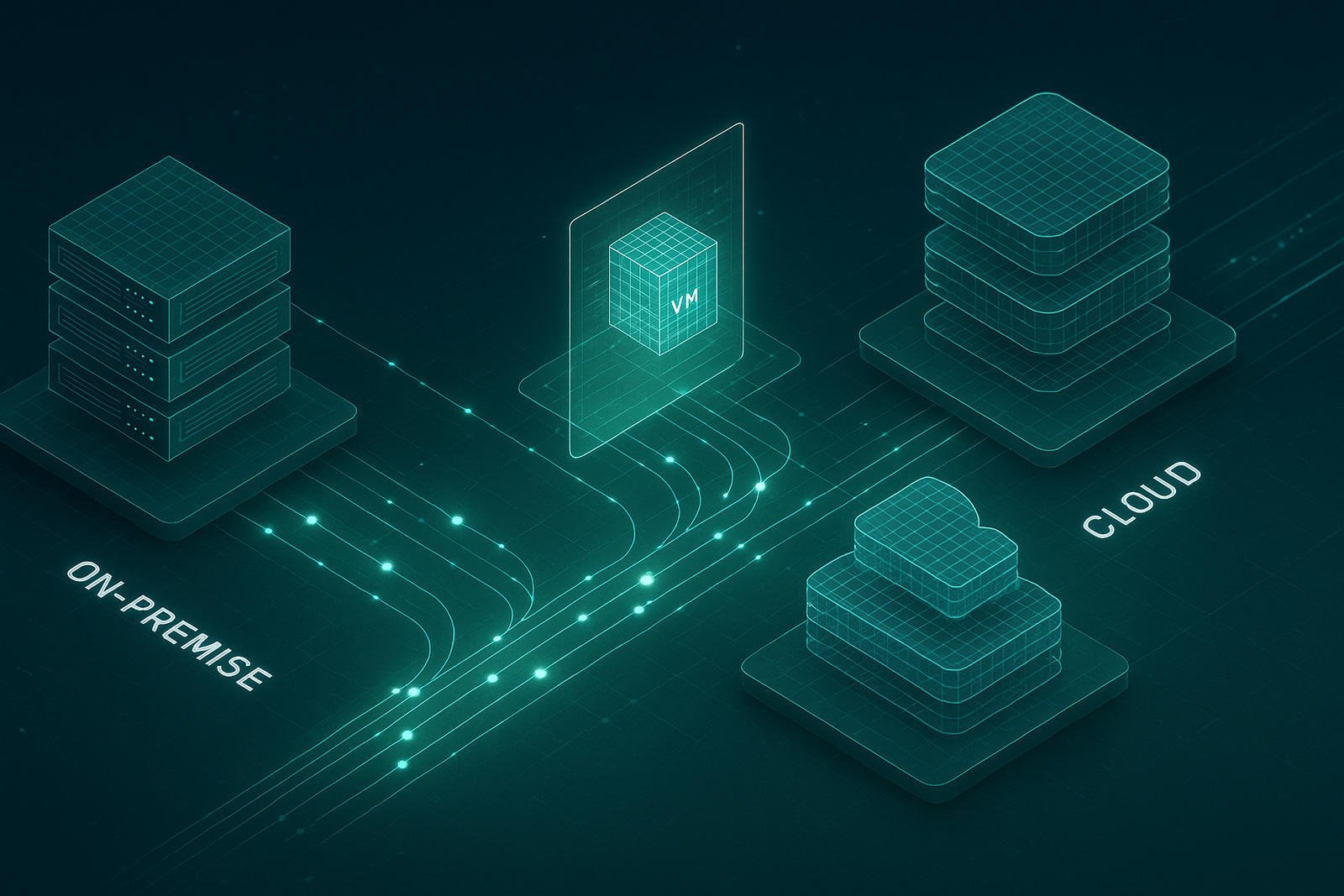
This comprehensive course equips participants with the skills to install, configure, and manage VMware vSphere 8—an essential platform for building virtualised infrastructure. Through classroom learning and practical exercises, they will develop hands-on capabilities in deploying ESXi hosts, configuring vCenter, managing virtual machines, and securing the vSphere environment.
Learning Outcomes:
Install and configure ESXi hosts and vCenter Server
Deploy, manage, and migrate virtual machines and templates
Configure virtual networking, storage, and datastores
Implement role-based access control and secure vSphere components
Monitor resource usage and troubleshoot vSphere environments
Key Topics:
VMware vSphere architecture and core components
Host and virtual machine management
vSphere networking and storage configuration
Lifecycle management and patching tools
Backup, recovery, and resource monitoring
Exam Details
This course is designed to build participants’ understanding of key concepts and technologies covered in the VMware 2V0-21.23: VMware vSphere 8.x Professional certification.
The exam validates expertise in deploying, configuring, managing, and troubleshooting VMware vSphere 8 environments. Core topics include ESXi host setup, vCenter deployment, virtual machine lifecycle management, networking, storage, cluster configurations, and vSphere High Availability and Distributed Resource Scheduler (DRS).
The exam is not included with the course and must be purchased separately.
To maximise success, participants are strongly encouraged to complement the course with additional self-study, revision of course materials, and dedicated practice before attempting the exam.
1. Course Introduction
• Introduction and course logistics
• Course objectives
2. vSphere and Virtualization Overview
• Explain basic virtualization concepts
• Describe how vSphere fits in the software-defined data center and the cloud infrastructure
• Recognize the user interfaces for accessing vSphere
• Explain how vSphere interacts with CPUs, memory, networks, storage, and GPUs
3. Installing and Configuring ESXi
• Install an ESXi host
• Recognize ESXi user account best practices
• Configure the ESXi host settings using the DCUI and VMware Host Client
4. Deploying and Configuring vCenter
• Recognize ESXi hosts communication with vCenter
• Deploy vCenter Server Appliance
• Configure vCenter settings
• Use the vSphere client to add and manage license keys
• Create and organize vCenter inventory objects
• Recognize the rules for applying vCenter permissions
• View vCenter logs and events
5. Configuring vSphere Networking
• Configure and view standard switch configurations
• Configure and view distributed switch configurations
• Recognize the difference between standard switches and distributed switches
• Explain how to set networking policies on standard and distributed switches
6. Configuring vSphere Storage
• Recognize vSphere storage technologies
• Identify types of vSphere datastores
• Describe fibre channel components and addressing
• Describe iSCSI components and addressing
• Configure iSCSI storage on ESXi
• Create and manage VMFS datastores
• Configure and manage NFS datastores
7. Deploying Virtual Machines
• Create and provision VMs
• Explain the importance of VMware tools
• Identify the files that make up a VM
• Recognize the components of a VM
• Navigate the vSphere Client and examine VM settings and options
• Modify VMs by dynamically increasing resources
• Create VM templates and deploy VMs from them
• Clone VMs
• Create customization specifications for guest operating systems
• Create local, published, and subscribed content libraries
• Deploy VMs from content libraries
• Manage multiple versions of VM templates in content libraries
8. Managing Virtual Machines
• Recognize the types of VM migrations that you can perform within a vCenter instance and across vCenter instances
• Migrate VMs using vSphere vMotion
• Describe the role of Enhanced vMotion Compatibility in migrations
• Migrate VMs using vSphere Storage vMotion
• Take a snapshot of a VM
• Manage, consolidate, and delete snapshots
• Describe CPU and memory concepts in relation to a virtualized environment
• Describe how VMs compete for resources
• Define CPU and memory shares, reservations, and limits
9. Deploying and Configuring vSphere Clusters
• Create a vSphere cluster enabled for vSphere DRS and vSphere High Availability (HA)
• View information about a vSphere cluster
• Explain how vSphere DRS determines VM placement on hosts in the cluster
• Recognize use cases for vSphere DRS settings
• Monitor a vSphere DRS cluster
• Describe how vSphere HA responds to various types of failures
• Identify options for configuring network redundancy in a vSphere HA cluster
• Recognize vSphere HA design considerations
• Recognize the use cases for various vSphere HA settings
• Configure a vSphere HA cluster
• Recognize when to use vSphere Fault Tolerance
10. Managing the vSphere Lifecycle
• Enable vSphere Lifecycle Manager in a vSphere cluster
• Describe features of the vCenter Update Planner
• Run vCenter upgrade prechecks and interoperability reports
• Recognize features of vSphere Lifecycle Manager
• Distinguish between managing hosts using baselines and managing hosts using images
• Describe how to update hosts using baselines
• Describe ESXi images
• Validate ESXi host compliance against a cluster image and update ESXi hosts
• Update ESXi hosts using vSphere Lifecycle Manager
• Describe vSphere Lifecycle Manager automatic recommendations
• Use vSphere Lifecycle Manager to upgrade VMware tools and VM hardware
We’re here to help — reach out anytime.
By submitting this form, you consent to be contacted via email and/or your mobile number regarding your enquiry. You consent to the collection, use, disclosure and processing of your personal data in accordance with our Personal Data Policy.



.png?width=50&name=Artificial%20Intelligence%20(AI).png)


/AdobeStock_230441943.jpeg?width=360&name=AdobeStock_230441943.jpeg)

/AdobeStock_737314510.jpeg?width=360&name=AdobeStock_737314510.jpeg)






/AI%20(5)-1.png?width=360&name=AI%20(5)-1.png)
































































-1.png?width=360&name=Server%20(4)-1.png)





/AI%20(6)-1-1.png?width=360&name=AI%20(6)-1-1.png)
/AI%20(8)-1.png?width=360&name=AI%20(8)-1.png)
-1.png?width=360&name=Automation%20RPA%20(2)-1.png)















































![VMware vRealize Operations: Install, Configure, Manage [V8.6]](https://www.eservtraininghub.com/hs-fs/hubfs/331_result.jpg?width=360&name=331_result.jpg)
![VMware vRealize Automation - Install, Configure, Manage [V8.3]](https://www.eservtraininghub.com/hs-fs/hubfs/AI-Generated%20Media/Images/Automation%20system%20deploying%20infrastructure%20in%20realtime%20with%20robotic%20arms%20and%20config%20lines%20building%20digital%20components%20Blue%20enterprise%20tech%20setting.jpeg?width=360&name=Automation%20system%20deploying%20infrastructure%20in%20realtime%20with%20robotic%20arms%20and%20config%20lines%20building%20digital%20components%20Blue%20enterprise%20tech%20setting.jpeg)






































![VMware vSphere: Install, Configure, Manage [V8]](https://www.eservtraininghub.com/hs-fs/hubfs/756_result.jpg?width=360&name=756_result.jpg)






![VMware NSX: Install, Configure, Manage [V4.0]](https://www.eservtraininghub.com/hs-fs/hubfs/812_result.jpg?width=360&name=812_result.jpg)