*Important Note : Fees are subject to Singapore's prevailing Goods and Services Tax (GST).
1752451200000
60

Cloud & Infrastructure
Cybersecurity & Risk Management
Artificial Intelligence & Automation
Data Analytics & Data Science
Digital Skills & Office Productivity
Project Management & Agile
Software Development & IT Ops
Critical Core Skills
Maritime
Cloud & Infrastructure
Cybersecurity & Risk Management
Artificial Intelligence & Automation
Data Analytics & Data Science
Digital Skills & Office Productivity
Project Management & Agile
Software Development & IT Ops
Critical Core Skills
Maritime
 Microsoft Productivity Suite
Enrol now and save $0 on your course fee
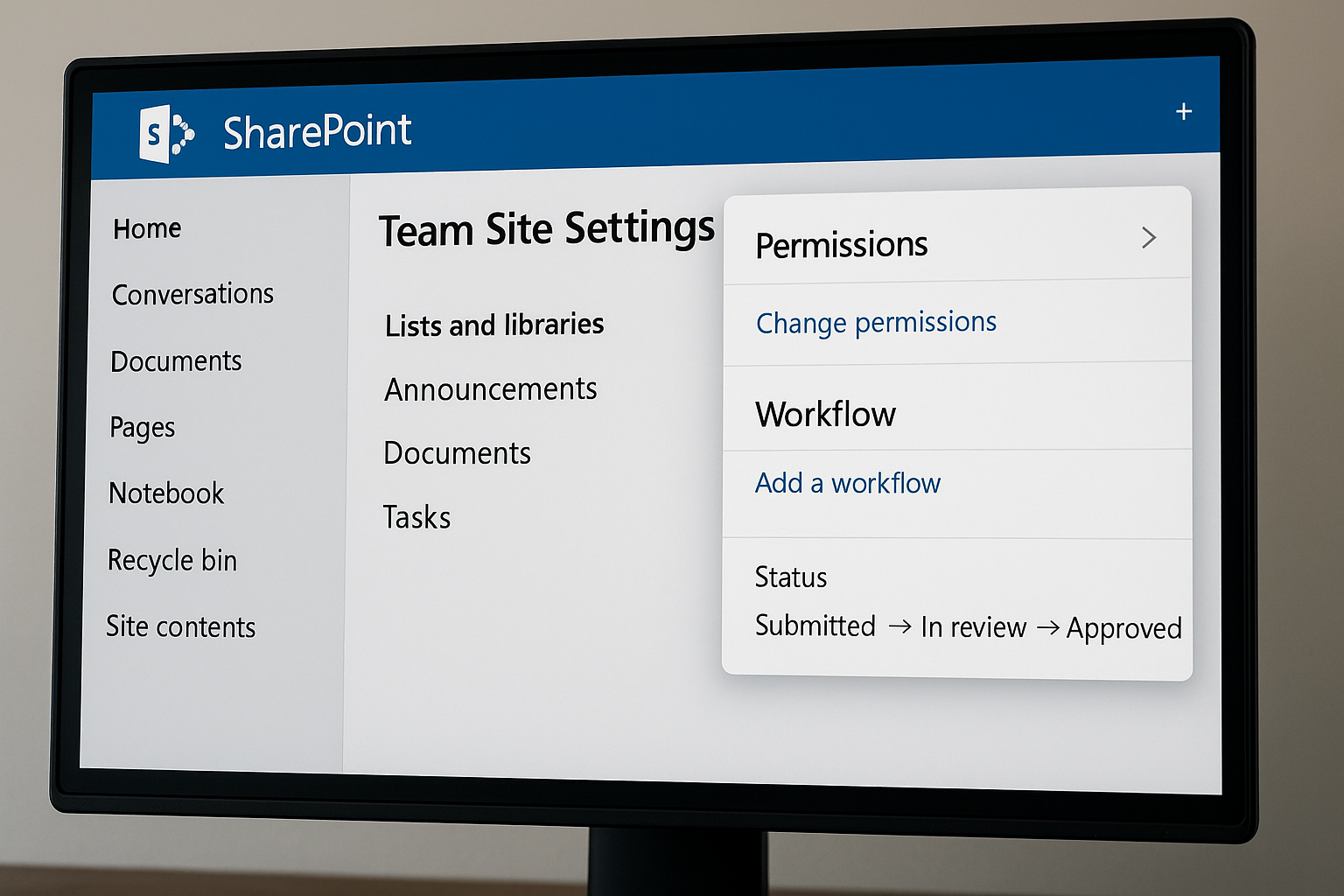
Participants responsible for managing SharePoint 365 sites need practical skills to configure content, permissions, and workflows. This course equips them to design intuitive team sites, manage lists and libraries, and apply governance best practices for efficient collaboration. Through hands-on activities, participants will gain confidence administering SharePoint Online environments.
Learning Outcomes:
Design and manage SharePoint team sites
Configure lists, libraries, and site navigation
Apply permission controls and governance practices
Integrate workflows for document and task management
Key Topics:
SharePoint Online interface and structure
Site creation, branding, and layout customisation
Managing lists, document libraries, and metadata
Permission levels and group management
Workflow automation and policy compliance
Module 1: Getting Started
Module 2: Overview of SharePoint and Site Administrator Role
Module 3: Create Sites and Manage Site Setting
Module 4: Create and Manage Libraries
Module 5: Create and Manage List
Module 6: Working with Library/List Settings
Module 7: Configure Permissions
Module 8: Pages in SharePoint
We’re here to help — reach out anytime.
By submitting this form, you consent to be contacted via email and/or your mobile number regarding your enquiry. You consent to the collection, use, disclosure and processing of your personal data in accordance with our Personal Data Policy.





.png?width=50&name=Artificial%20Intelligence%20(AI).png)


/AdobeStock_230441943.jpeg?width=360&name=AdobeStock_230441943.jpeg)

/AdobeStock_737314510.jpeg?width=360&name=AdobeStock_737314510.jpeg)






/AI%20(5)-1.png?width=360&name=AI%20(5)-1.png)









































































-1.png?width=360&name=Server%20(4)-1.png)






/AI%20(6)-1-1.png?width=360&name=AI%20(6)-1-1.png)
/AI%20(8)-1.png?width=360&name=AI%20(8)-1.png)
-1.png?width=360&name=Automation%20RPA%20(2)-1.png)























































![VMware vRealize Operations: Install, Configure, Manage [V8.6]](https://www.eservtraininghub.com/hs-fs/hubfs/331_result.jpg?width=360&name=331_result.jpg)
![VMware vRealize Automation - Install, Configure, Manage [V8.3]](https://www.eservtraininghub.com/hs-fs/hubfs/AI-Generated%20Media/Images/Automation%20system%20deploying%20infrastructure%20in%20realtime%20with%20robotic%20arms%20and%20config%20lines%20building%20digital%20components%20Blue%20enterprise%20tech%20setting.jpeg?width=360&name=Automation%20system%20deploying%20infrastructure%20in%20realtime%20with%20robotic%20arms%20and%20config%20lines%20building%20digital%20components%20Blue%20enterprise%20tech%20setting.jpeg)

















































![VMware vSphere: Install, Configure, Manage [V8]](https://www.eservtraininghub.com/hs-fs/hubfs/756_result.jpg?width=360&name=756_result.jpg)









![VMware NSX: Install, Configure, Manage [V4.0]](https://www.eservtraininghub.com/hs-fs/hubfs/812_result.jpg?width=360&name=812_result.jpg)





















































